

We recommend reading the instructions before installing to avoid any potential issues.

Follow these steps to ensure a smooth installation process.


1st - Tap the 'Install' button above,
2nd - Navigate to your home page and locate the application.
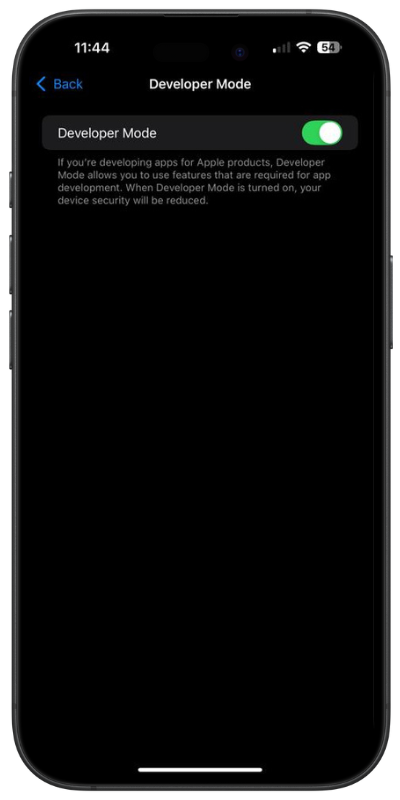
3rd - Open the applications. If 'Developer Mode' go to next step.

1st - Open the "Settings" application
2nd - Search for "Privacy & Security"
3rd - Tap
on the "Privacy & Security" tab
4th - Scroll to the bottom of the page
5th - Toggle
"Developer Mode" to "On"
6th - Return to the application you just installed
 Instagram
 Telegram